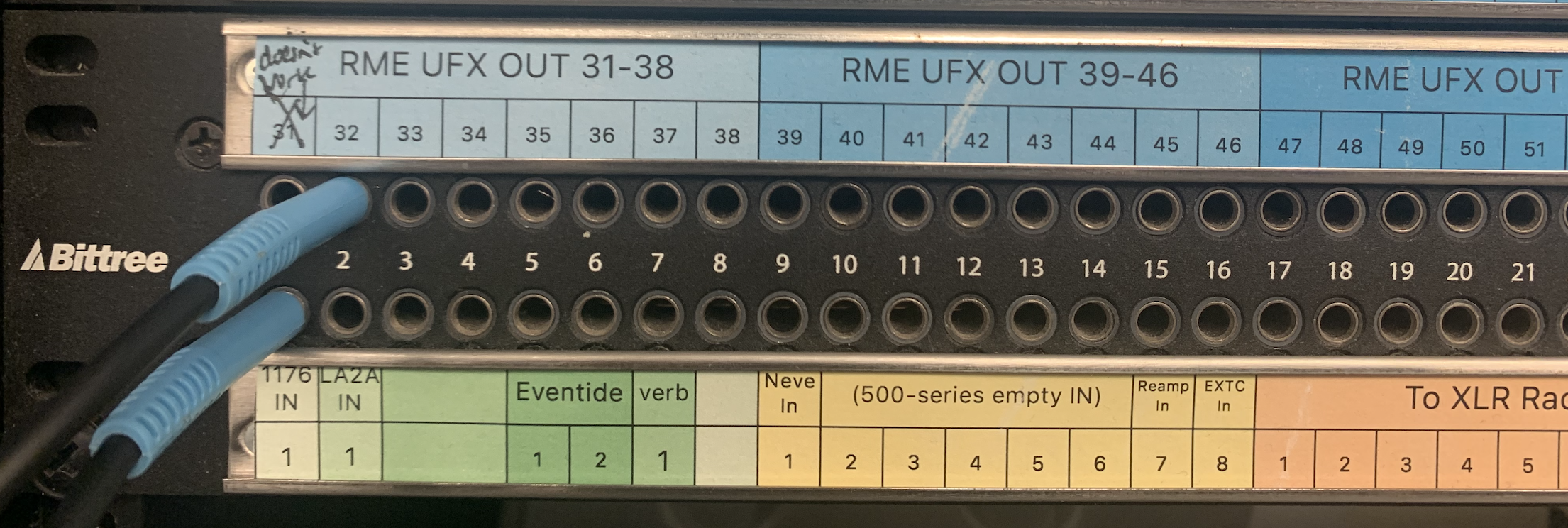
Patchbays are devices that bring together, in one centralized place, all the inputs and outputs of the devices in a recording studio. Then, using special patch cables, these devices can be quickly connected to one another.
In 317, there are two patchbays, which we will call the upper patchbay, and the lower patchbay.
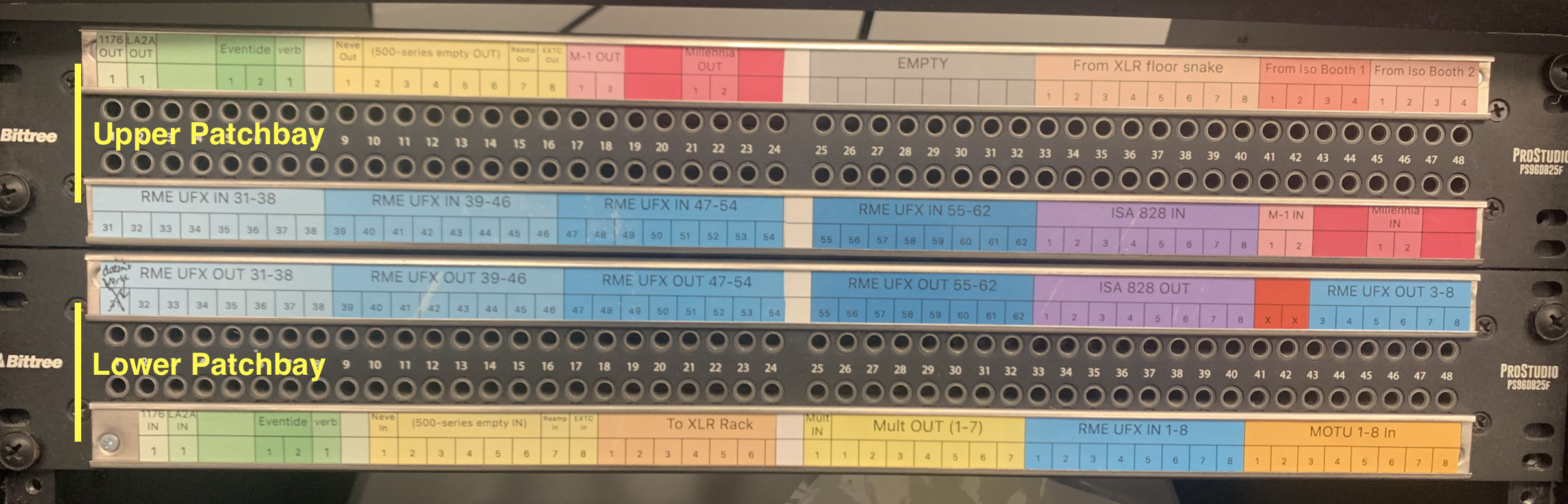
Each patchbay has two rows: a top row for outputs (i.e., signal comes OUT from the connectors), and a bottom row for the inputs (i.e., signal goes IN to the connectors). In the studio, the outputs of the all the external gear are connected to the top row (OUTPUTS), and the inputs of all the external gear are connected to the bottom row (INPUTS).

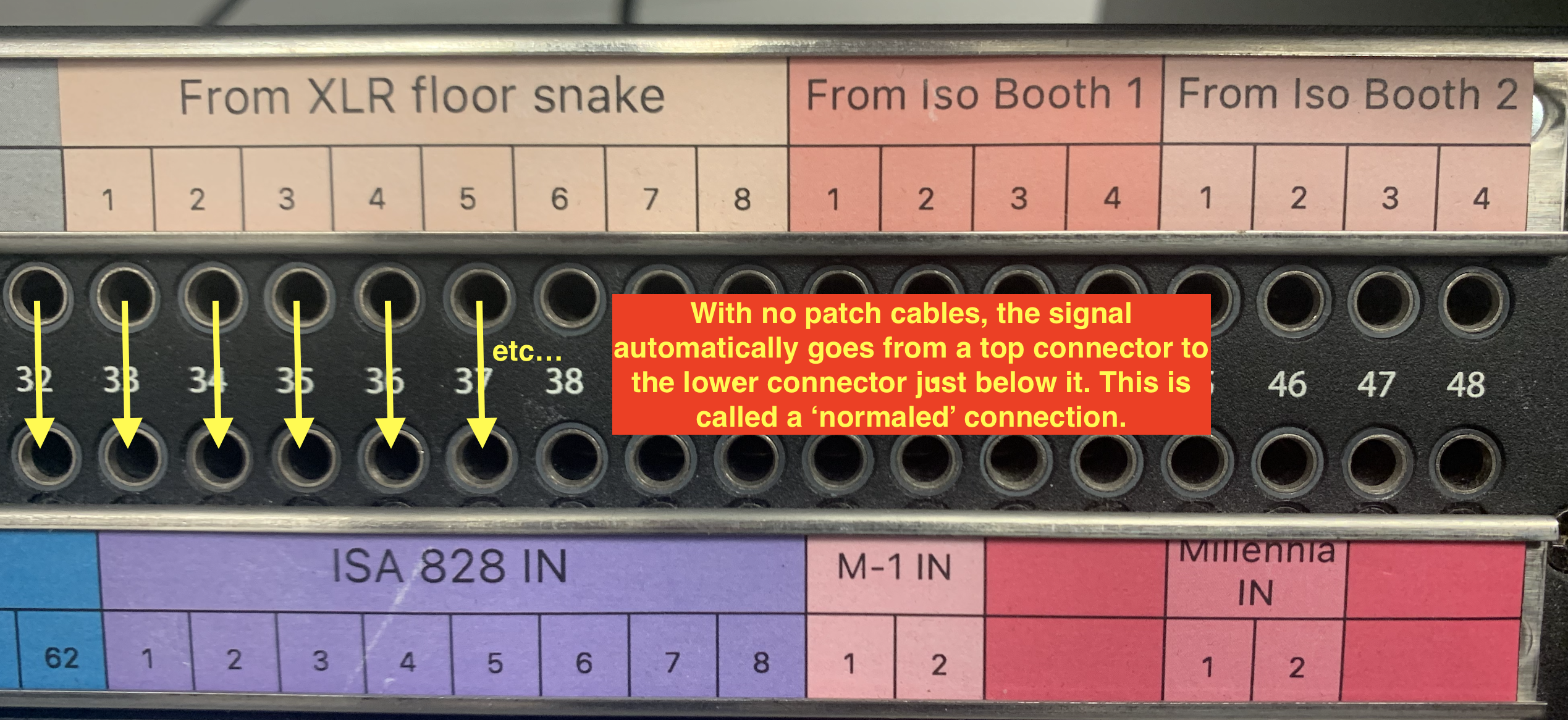
As a default, the signal coming from an OUTPUT is internally fed to the INPUT just below it. This is called a 'normaled' connection. For example, "From XLR Floor Snake" OUT 1 is 'normaled' to ISA 828 IN 1. In other words, without doing anything on the patchbay, a signal created from a mic connected on CH1 of the floor snake will go directly to CH1 of the ISA 828 preamp.
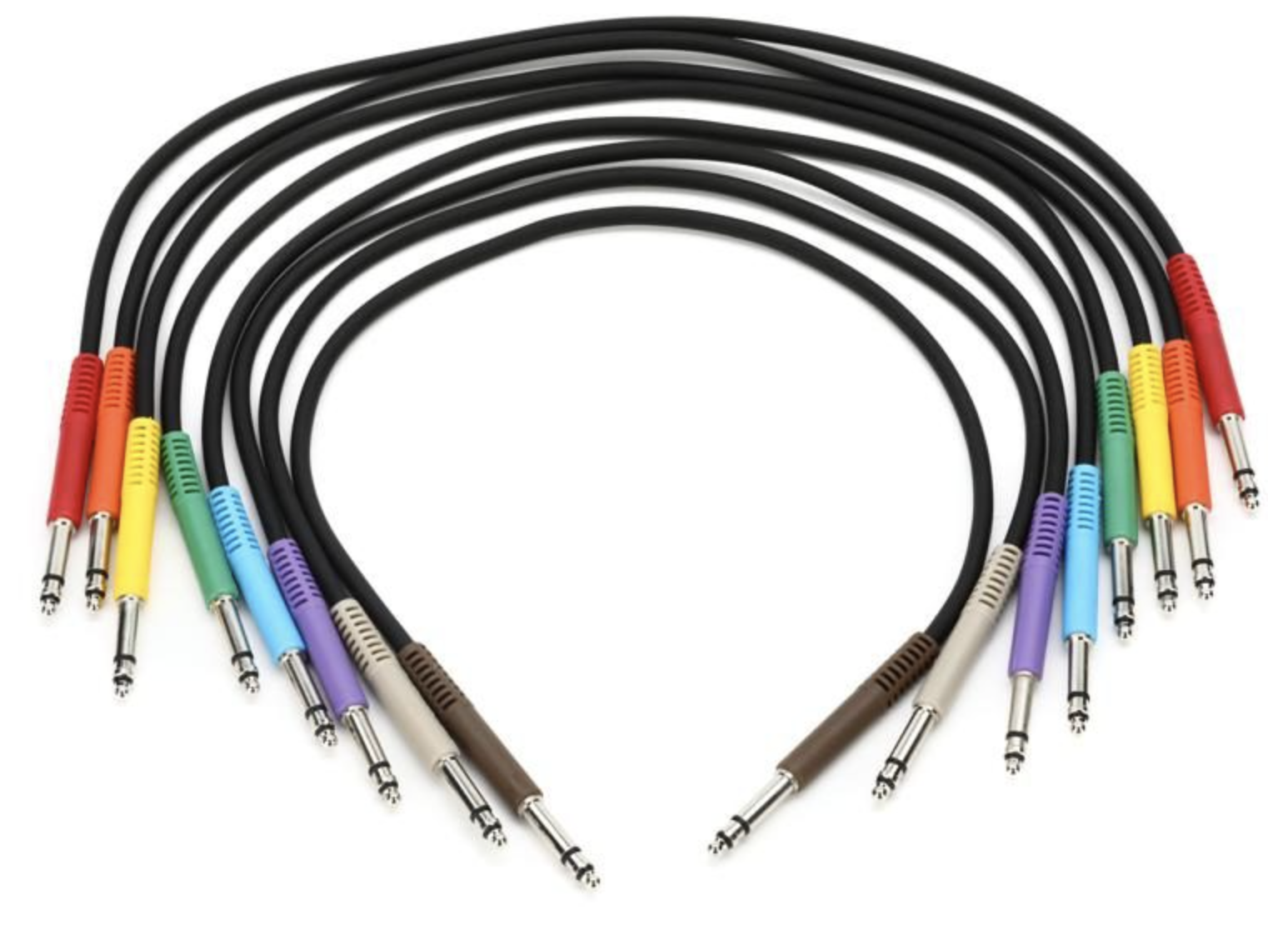
To connect one piece of gear to another, one must create a 'patch' by connecting the OUT of one device to an IN of another device using a special cable, called a "Bantam TT" cable.
Example 1: connecting Ch.1 of Booth 1 to Ch.2 of the Focusrite 828 preamp:
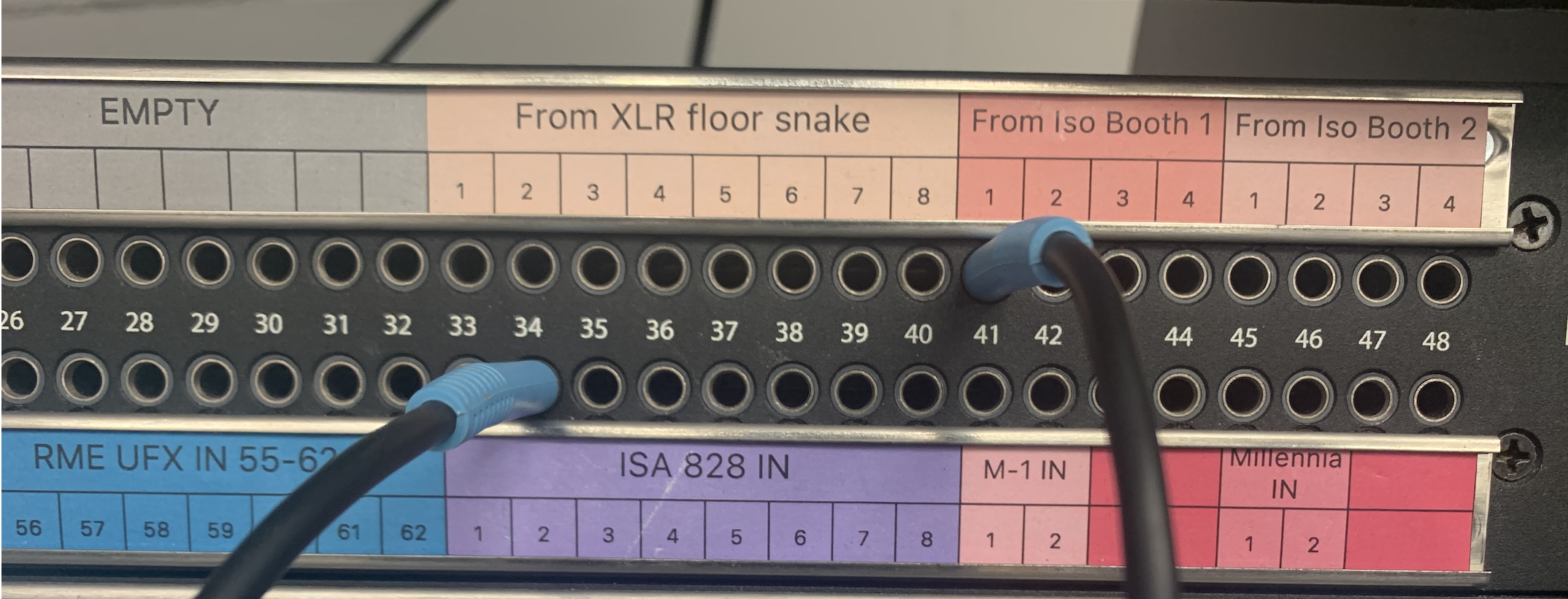
Example 2: connecting OUTPUT 32 of the UFX (i.e., OUTPUT 32 from LOGIC) to the INPUT of the 1176 compressor: